5G home internet is a wireless broadband service that delivers high-speed internet to your home through cellular networks instead of traditional cable or fiber-optic lines. A small receiver installed at your residence connects to nearby 5G towers, creating a Wi-Fi network for your devices without the need for underground infrastructure or professional installation.
This technology matters because it offers an alternative for households where cable companies haven’t invested in infrastructure or where service options remain limited. For communities pursuing relocalization and sustainable living, 5G home internet can reduce reliance on resource-intensive cable installations while providing the connectivity needed for remote work, education, and community organizing.
Right now in 2026, two major providers dominate the market. T-Mobile 5G Home Internet serves 24,740 cities at $50 per month with AutoPay, while AT&T Internet Air reaches 20,849 cities starting at $55 per month with AutoPay. Both services deliver speeds between 90 and 300 Mbps, require no contracts, and impose no data caps. You can set up either service yourself in minutes, eliminating installation appointments and technician visits.
This article will explain exactly how 5G home internet works, what equipment you need, which households benefit most from this service, and how to determine whether it’s available and suitable for your situation. Whether you’re exploring options in a rural area with limited broadband access or seeking to simplify your home’s technology footprint, understanding this emerging option helps you make an informed choice about your connectivity needs.
What 5G Home Internet Means for Your Home
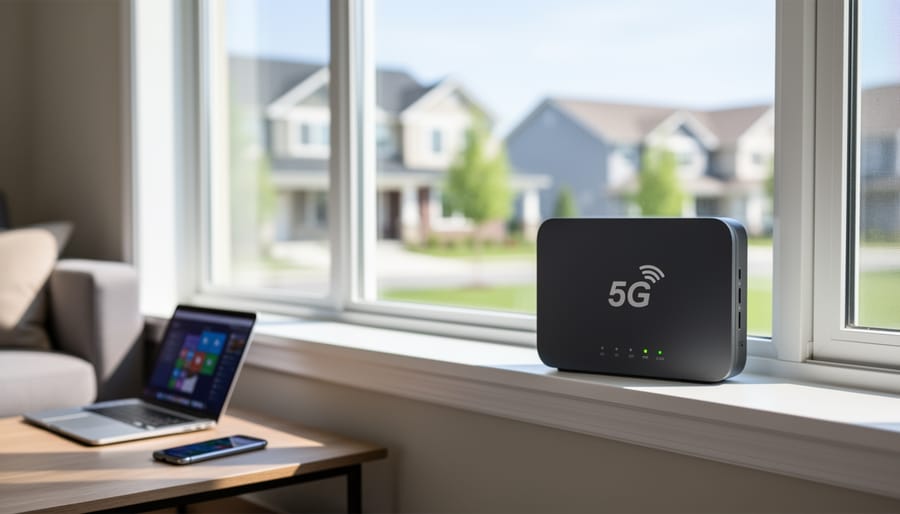
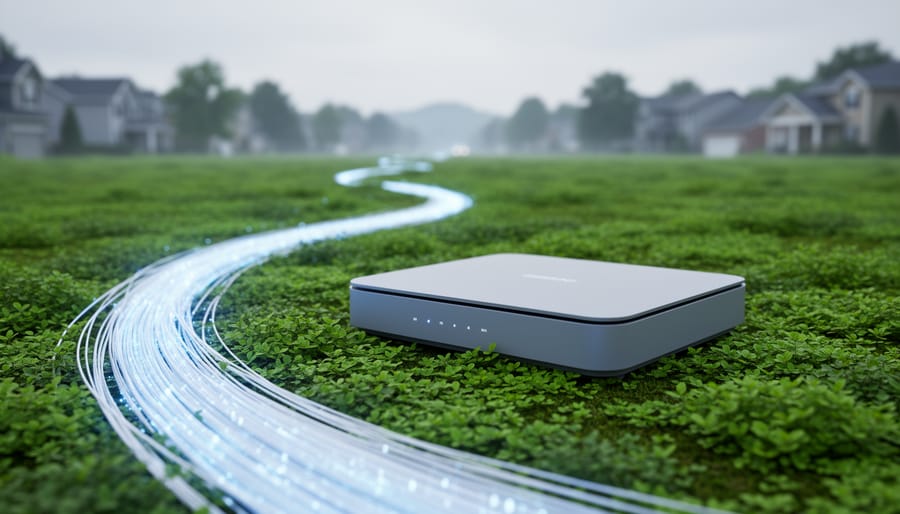
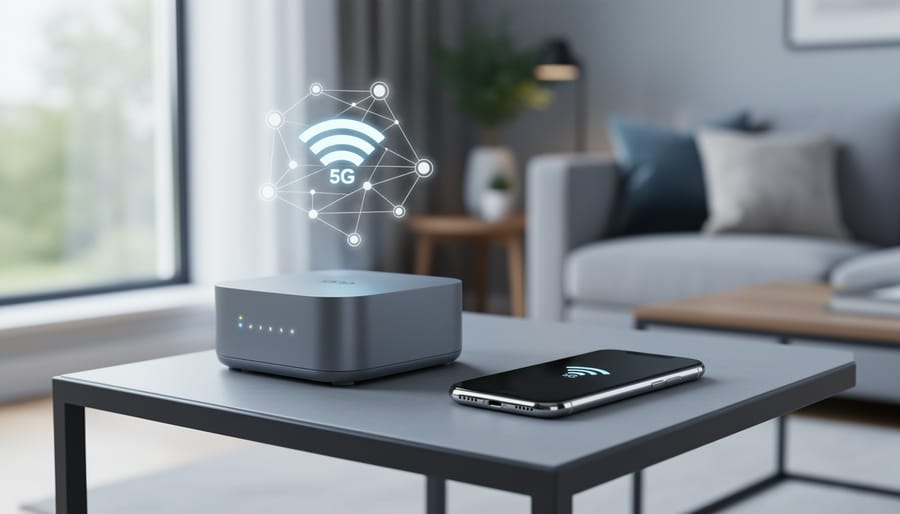
5G home internet is a wireless broadband service that delivers internet to your house through cellular 5G networks instead of physical cables. A small gateway device, similar to a traditional router, receives the cellular signal from nearby towers and converts it into a Wi-Fi network for your home. No technician needs to run lines to your property, and you don’t need a phone line or cable TV subscription to get online.
The key difference between mobile 5G and 5G home internet lies in how you use it. Mobile 5G powers your smartphone as you move around, switching between towers automatically. 5G home internet uses that same cellular network technology but delivers service to a fixed address. The gateway stays in one location in your home, typically near a window for the best signal reception, and provides consistent Wi-Fi coverage just like cable or fiber internet would.
- 5G network
- The fifth generation of cellular technology that transmits data wirelessly through radio frequencies, offering faster speeds and lower latency than previous 4G networks.
- Fixed wireless access
- Internet service delivered wirelessly to a stationary location rather than to mobile devices, using cellular towers instead of underground or overhead cables.
- Cellular broadband
- High-speed internet delivered through the same cellular infrastructure that powers mobile phones, capable of supporting multiple devices and data-intensive activities.
- Gateway device
- A combined modem and router that receives the cellular signal from towers and creates a local Wi-Fi network for all your home devices to connect to.
It’s called home internet because the service is tied to your residential address and designed for stationary use, even though it relies on mobile network infrastructure. Providers verify your address to ensure tower coverage reaches your location, and the gateway includes features optimized for home use rather than portability. This setup lets you get broadband speeds without waiting for cable companies to extend their physical networks into your neighborhood, which makes it particularly valuable for rural areas or communities building local connectivity options.
How 5G Home Internet Works
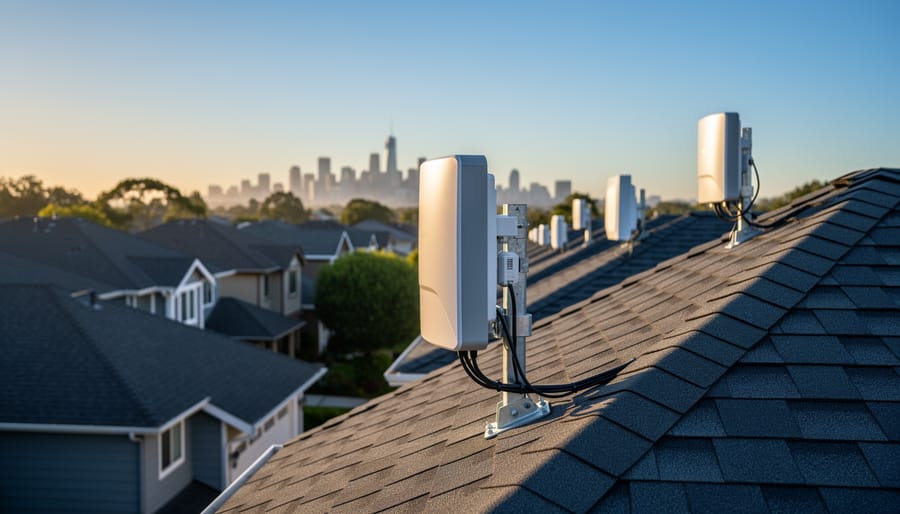
5G home internet skips the traditional infrastructure of underground cables and phone lines, delivering your connection through the air instead. Understanding how this wireless system works helps you see why it’s becoming a practical option for homes and communities looking to reduce their reliance on established utility networks.
The process starts at a cellular tower equipped with 5G technology. These towers, often the same ones that serve mobile phones, transmit internet data as radio waves across the surrounding area. The signal travels through the air to your home, covering distances that typically range from a few hundred feet in dense urban areas to several miles in rural settings, depending on terrain and obstacles.
At your home, a gateway device receives this wireless signal. This compact unit combines the functions of a modem and router in one box. It captures the 5G radio waves, converts them into internet data, and broadcasts a Wi-Fi network throughout your home. Your laptops, phones, smart devices, and other equipment connect to this Wi-Fi network just as they would with cable or fiber internet.
The installation process reflects this simplicity. You place the gateway device near a window, usually on the side of your home facing the nearest tower, then plug it into a power outlet. The device automatically finds and connects to the cellular signal. There’s no digging, no drilling, no technician visit needed in most cases. This self-installation approach means you can set up service in minutes rather than waiting days or weeks for a wired connection.
Signal strength depends on your distance from the tower, what’s between you and the tower, and how many people in your area are using the network simultaneously. The gateway device typically includes indicators showing signal quality, helping you find the best placement spot in your home.
Types of 5G Home Internet Service
5G home internet services vary in how they deliver connectivity, and these differences directly affect what you experience day-to-day. Understanding the main categories helps you identify which option aligns with your household’s needs and your community’s connectivity goals.
Most providers offer two network approaches. True 5G service uses the latest cellular technology for the fastest speeds, typically between 90 and 300 Mbps in real-world conditions. When 5G signals aren’t strong enough, many services automatically fall back to 4G LTE networks, which still provide broadband speeds but may feel noticeably slower during video calls or streaming. If you live on the edge of a coverage area, expect more frequent fallback periods.
Data policies separate services into unlimited and capped models. Unlimited plans let you use as much data as needed without overage fees, which matters for households streaming video, hosting remote work calls, or running small businesses. Some providers may slow speeds during network congestion even on unlimited plans, so read the fine print. Capped plans impose monthly data limits, less common for fixed home internet, but worth confirming before signing up.
Installation approaches break down into self-install and professional setup. Self-installation means the provider ships a gateway device to your door, you plug it in, find the best spot for signal strength, and connect your devices. Both AT&T Internet Air and T-Mobile 5G Home Internet use this model, making it simple to get started without waiting for a technician. Professional installation involves a scheduled appointment and typically costs extra, though it can help if you’re unsure about equipment placement or need the gateway mounted in a specific location.
When comparing services, focus on these distinctions:
- Speed tiers, whether the plan uses 5G exclusively or includes LTE fallback
- Data policies, unlimited usage or monthly caps with potential throttling
- Contract requirements, month-to-month flexibility versus long-term commitments
- Equipment options, included gateway rental, purchase requirements, or compatibility with your own devices
The combination of these factors shapes your total cost and flexibility. AT&T Internet Air, for instance, offers no contracts and no data caps at $55 monthly with AutoPay, while T-Mobile 5G Home Internet starts at $50 with AutoPay and similarly avoids traditional contract locks. These month-to-month structures give communities more control, letting households adjust as needs change without penalty.
For rural areas or neighborhoods building resilient local networks, prioritize unlimited data and contract-free terms. These features support shared connectivity experiments, temporary setups for community events, and the ability to pivot if a better option emerges locally.
Current 5G Home Internet Providers in 2026
As of 2026, two major providers offer 5G home internet service across thousands of communities in the United States. Both deliver wireless broadband without cables, contracts, or data caps, making them accessible alternatives to traditional wired internet.
T-Mobile 5G Home Internet reaches 24,740 cities and uses T-Mobile’s 5G cellular network to provide a fixed Wi-Fi connection to your home. The service starts at $50 per month with AutoPay, positioning it as one of the more affordable options for households seeking straightforward internet access. T-Mobile provides the necessary gateway equipment and supports self-installation, allowing most users to get online within minutes of receiving their device.
AT&T Internet Air is available in 20,849 cities and runs on AT&T’s extensive 5G network. Pricing begins at $55 per month with AutoPay, though some plans may vary. The service delivers speeds between 90 and 300 Mbps, suitable for streaming, remote work, and everyday browsing. Like T-Mobile, AT&T offers easy self-installation with no professional setup required, no contracts to lock you in, and no data caps to limit your usage.
Both providers follow a similar model: you receive a gateway device (a combined modem and router), place it near a window or in a location with strong signal reception, plug it in, and connect your devices to the new Wi-Fi network. Installation typically takes less than 15 minutes.
The absence of contracts means you can try the service and cancel if it doesn’t meet your needs without early termination fees. No data caps remove the worry of overage charges, which can matter for households with multiple users or those working from home. These features make 5G home internet particularly appealing for renters, people in temporary housing, or communities exploring connectivity options that don’t require infrastructure investment.
Coverage availability varies significantly by address, even within listed cities, so checking your specific location remains essential before signing up.
How Communities Can Use 5G Home Internet
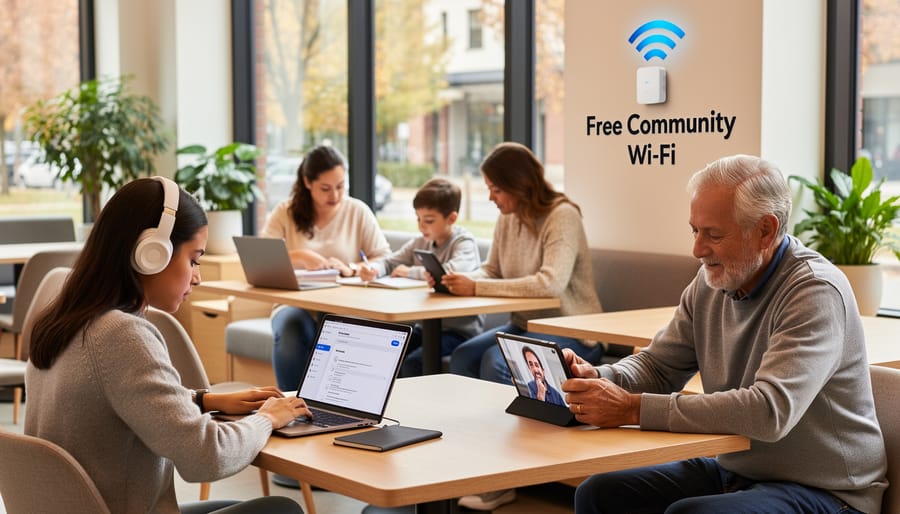
5G home internet opens practical pathways for communities working toward self-sufficiency and community resilience. Because it doesn’t require buried cables or telephone infrastructure, this technology can reach areas where traditional broadband deployment isn’t economically viable, helping rural neighborhoods connect without waiting years for fiber installation.
For families living in mobile homes, tiny houses, or temporary housing, 5G home internet provides stable connectivity without long-term contracts or installation appointments. You set up the gateway device yourself, and if you relocate, the equipment moves with you, ideal for flexible living arrangements that align with simplified, lower-impact lifestyles.
Communities can strengthen their resilience by using 5G as backup internet when primary connections fail. A gateway device on a different network than your cable or fiber service means you maintain connectivity during outages, supporting work-from-home arrangements and keeping community networks functioning during disruptions. This redundancy matters in the post-COVID society where reliable home internet directly affects economic participation.
- Rural cooperatives and community centers can offer shared internet access without major infrastructure investment
- Farmers’ markets and pop-up local businesses gain payment processing and digital tools at temporary locations
- Neighborhood tool libraries and maker spaces can operate with full connectivity in converted garages or donated spaces
- Remote workers supporting the local economy gain flexibility to work from community gardens, co-working spaces, or home offices
- Emergency response teams and mutual aid networks maintain communication during weather events or power restoration
Small businesses rooted in local economies benefit particularly when they operate from home, shared commercial kitchens, or converted storefronts. The self-install process and absence of installation fees with providers like T-Mobile (starting at $50/month with AutoPay) remove barriers that make traditional business internet services cost-prohibitive for microenterprises. When connectivity strengthens local trade and reduces dependence on distant supply chains, wireless home internet becomes infrastructure for relocalization itself.
Finding Out If 5G Home Internet Is Available in Your Area
Checking coverage starts at the provider level, but availability within a covered city varies street by street. Major providers like AT&T and T-Mobile maintain online coverage maps where you enter your address to see if service reaches your home. These maps show general coverage areas, but signal strength and capacity differ even within a few blocks, so an address check gives you more reliable information than a city-wide coverage claim.
When you check availability, ask specific questions beyond “Is it available here?” Find out what speeds the provider expects at your location, whether there’s a waitlist, and if installation requires any outdoor equipment or line of sight to a tower. Some providers offer trial periods, which let you test real-world performance in your home before committing long-term.
If 5G isn’t available yet, look at 4G LTE home internet options from the same providers. They use similar technology with slightly lower speeds but often cover more areas. Fixed wireless from regional ISPs can also fill gaps, particularly in rural communities where traditional providers haven’t expanded.
Talk to neighbors who already use wireless home internet. They’ll share honest experiences about signal consistency, customer service, and whether the coverage map matched reality. Community knowledge often reveals patterns the official maps don’t show, like dead zones or especially strong coverage areas. Pooling this information helps everyone make better decisions about connectivity options that support local resilience.
What to Consider Before Switching
Switching to 5G home internet isn’t right for everyone, and understanding the trade-offs helps you make a choice that truly serves your household. Speed consistency differs from wired connections because wireless signals can fluctuate based on distance from the tower, obstacles between your home and the signal source, and how many neighbors are using the network simultaneously. While AT&T Internet Air delivers speeds between 90 and 300 Mbps and T-Mobile 5G Home Internet offers similar ranges, you won’t get the rock-solid consistency of fiber, expect some variation during peak evening hours when everyone’s streaming.
Weather and physical barriers matter more than with cable. Heavy rain, snow, and dense foliage can weaken signals, and thick walls or metal siding may block transmission entirely. The gateway’s placement in your home makes a real difference, near a window facing the tower usually works best, but that might not align with where you want your Wi-Fi hub. Test different spots if your initial setup disappoints.
Network congestion happens. During busy times in densely populated areas, speeds can drop noticeably because you’re sharing tower capacity with mobile users and other home internet customers. This isn’t necessarily a dealbreaker, but it’s worth knowing before you cancel a cable plan that delivers predictable performance.
Compare total costs honestly. AT&T Internet Air runs $55 monthly with AutoPay, and T-Mobile 5G Home Internet starts at $50 with AutoPay, both without contracts or data caps. That simplicity appeals to communities looking to avoid monopolies and support competitive markets, but factor in your current internet cost, any early termination fees, and whether you need backup connectivity during the transition. The lower price only saves money if the service actually meets your needs.
Frequently Asked Questions
Is 5G home internet as fast as fiber?
Not quite. While fiber can reach gigabit speeds consistently, 5G home internet typically delivers between 90 and 300 Mbps, which is fast enough for most household needs like streaming, video calls, and browsing. Wireless speeds can vary more than wired connections depending on signal strength and network traffic.
Do I need special equipment to use 5G home internet?
Yes, you need a 5G gateway device that your provider supplies. This device receives the 5G cellular signal and converts it into a Wi-Fi network for your home. Most providers offer self-installation where you simply plug in the gateway and position it near a window for the best signal.
Can I use my own router with 5G home internet?
Generally no. The 5G gateway combines both the cellular receiver and Wi-Fi router in one device, and you need the provider’s specific equipment to connect to their network. Some gateways allow you to connect an additional router if you need extended Wi-Fi coverage in a larger home.
How does weather affect 5G home internet signal?
Heavy rain, snow, or dense fog can weaken the 5G signal somewhat, though the effect is usually minor for everyday use. You might notice slightly slower speeds during severe weather, but service rarely drops completely unless conditions are extreme or you’re already at the edge of coverage.
What happens if I move to a new address?
You can take your 5G gateway with you, but service isn’t guaranteed at your new location. Check the provider’s coverage map for your new address before moving, since 5G home internet availability varies significantly by neighborhood. If your new location isn’t covered, you’ll need to cancel or switch to a different internet option.
These questions come up often because 5G home internet works differently from the cable or DSL connections most people know. The technology relies on line-of-sight to cell towers rather than buried cables, which creates both advantages and limitations. Understanding these trade-offs helps you set realistic expectations and make the most of the service if you decide it fits your situation.
One practical tip: before committing to 5G home internet, ask neighbors in your area about their experience with the same provider. Signal strength can vary dramatically between houses on the same street depending on obstructions like trees or buildings. Local knowledge often reveals whether you’ll get the advertised speeds or struggle with a weak connection, saving you the hassle of trial and error.
5G home internet represents a meaningful step toward more flexible, accessible connectivity, particularly for communities working to build resilience and reduce dependence on legacy infrastructure. While it won’t replace fiber everywhere, this wireless option opens doors for rural areas, temporary living situations, and neighborhoods where traditional providers have underinvested. The technology’s simplicity, lack of installation barriers, and freedom from long-term contracts make it worth exploring as part of a community’s broader connectivity strategy.
If 5G home internet is available in your area, test it yourself and share what you learn with neighbors. Talk to local community centers, co-working spaces, and small businesses about whether wireless internet could support their needs. These conversations help build collective knowledge and can reveal opportunities to strengthen local self-sufficiency through better, more distributed connectivity options.
The landscape will continue evolving as networks expand and more providers enter the market. By staying informed and connected with others in your community, you’ll be better positioned to choose internet solutions that align with your values and support the sustainable, locally-rooted life you’re working to build.